 softshelf
DuoCommander
Two panes. One commander.
The file manager for Mac that shows two folders side by side. It looks like the Finder and works like a commander – just as fast with the keyboard as with the mouse.
Download for macOS (version 1.0) See featuresFeatures
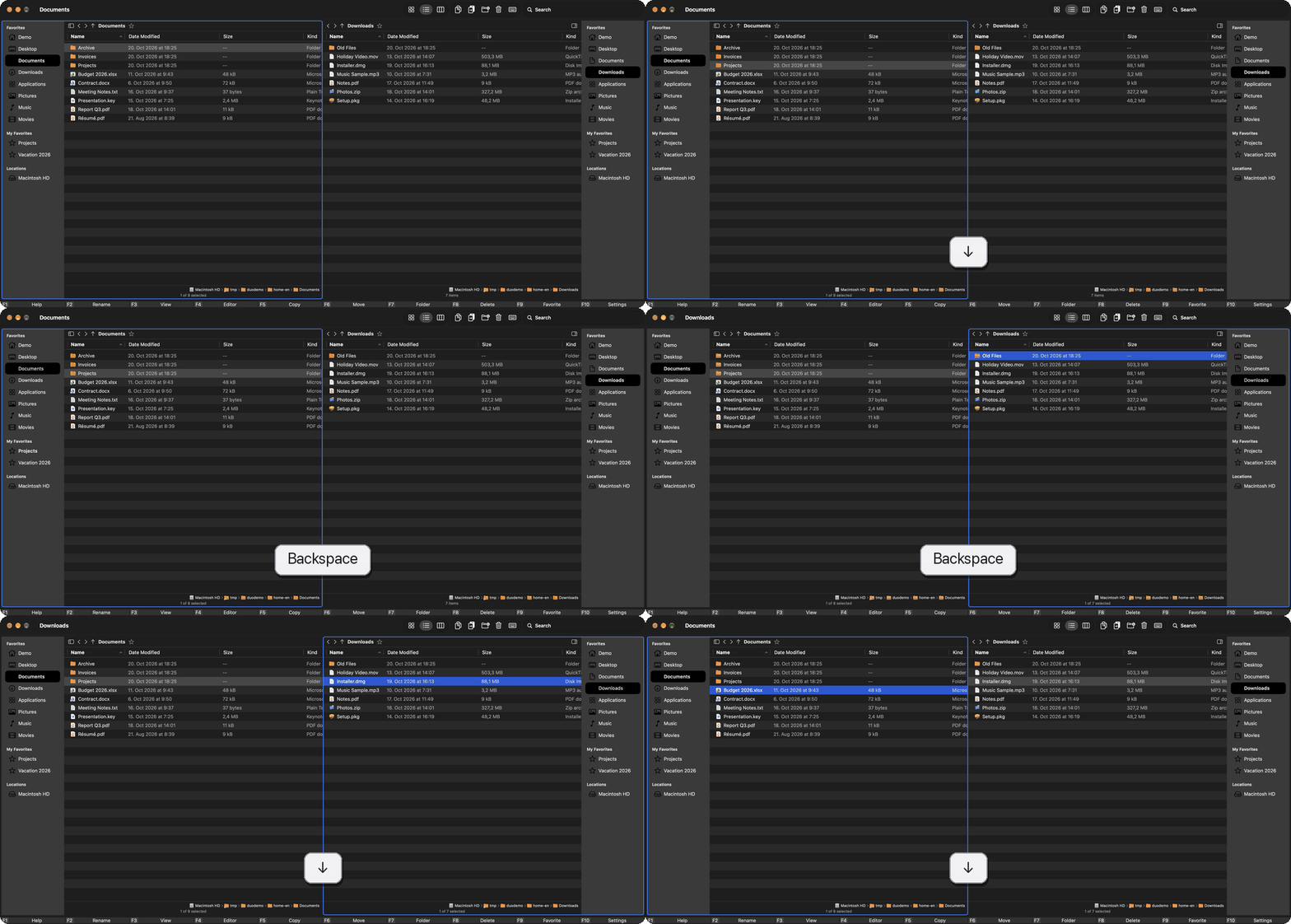
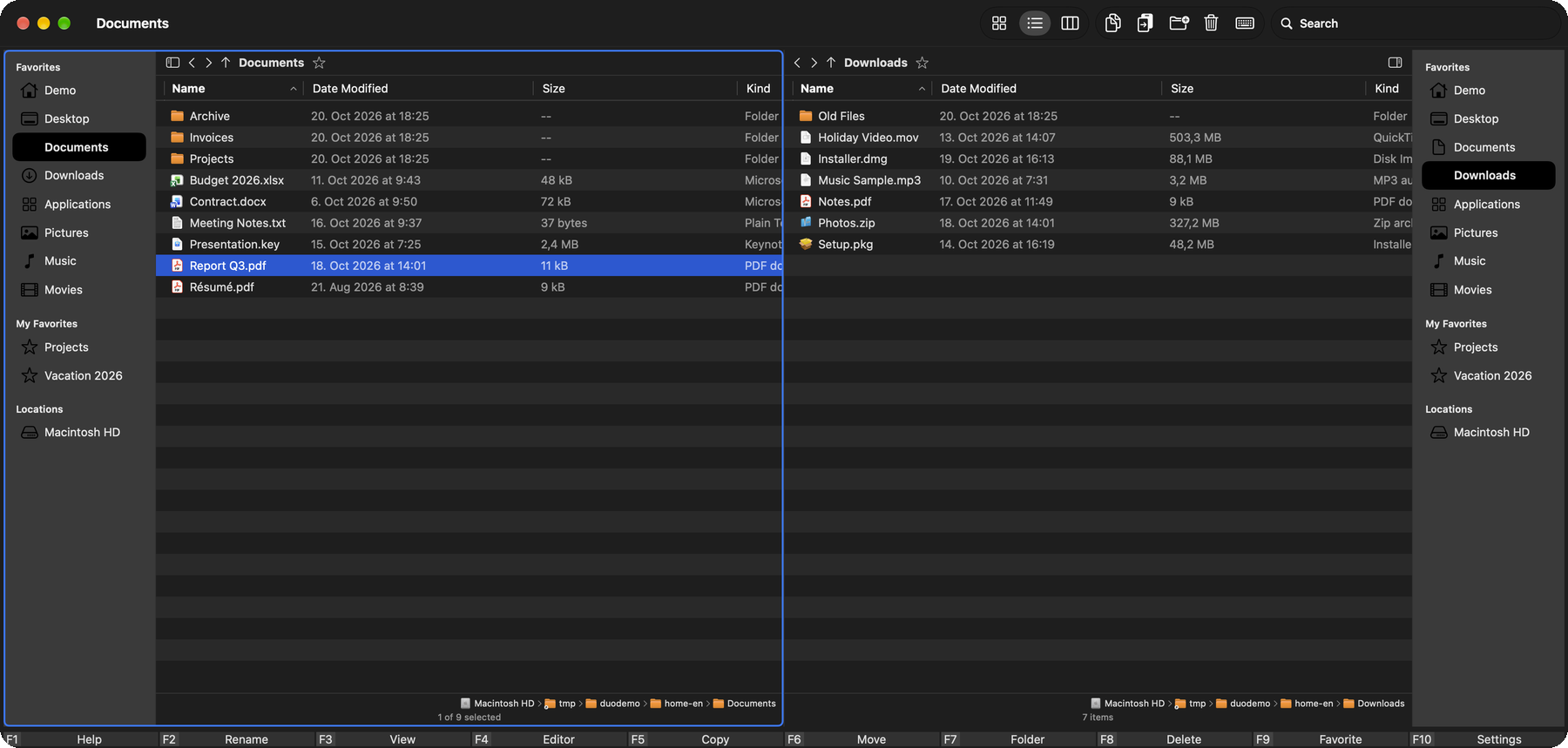
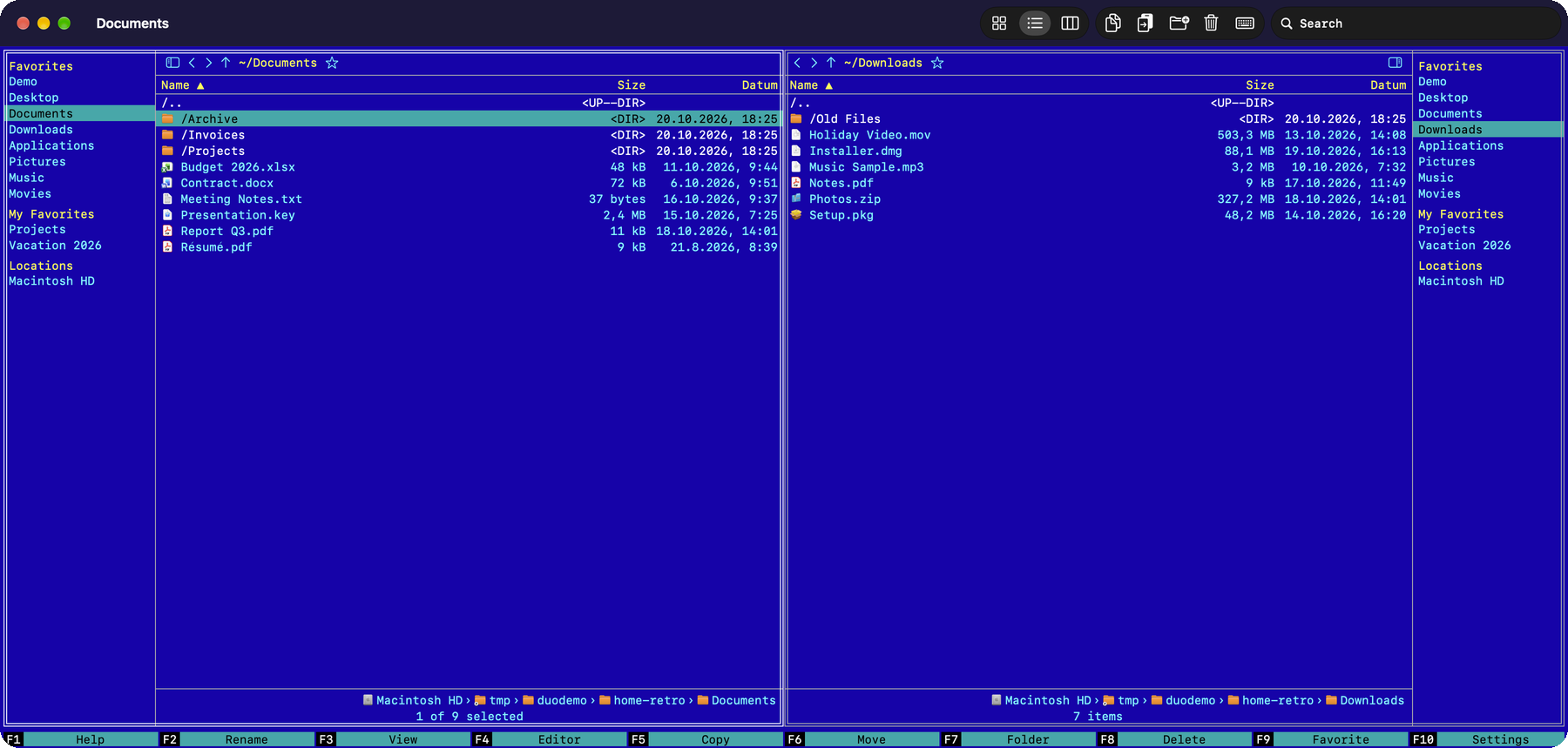
Two panes
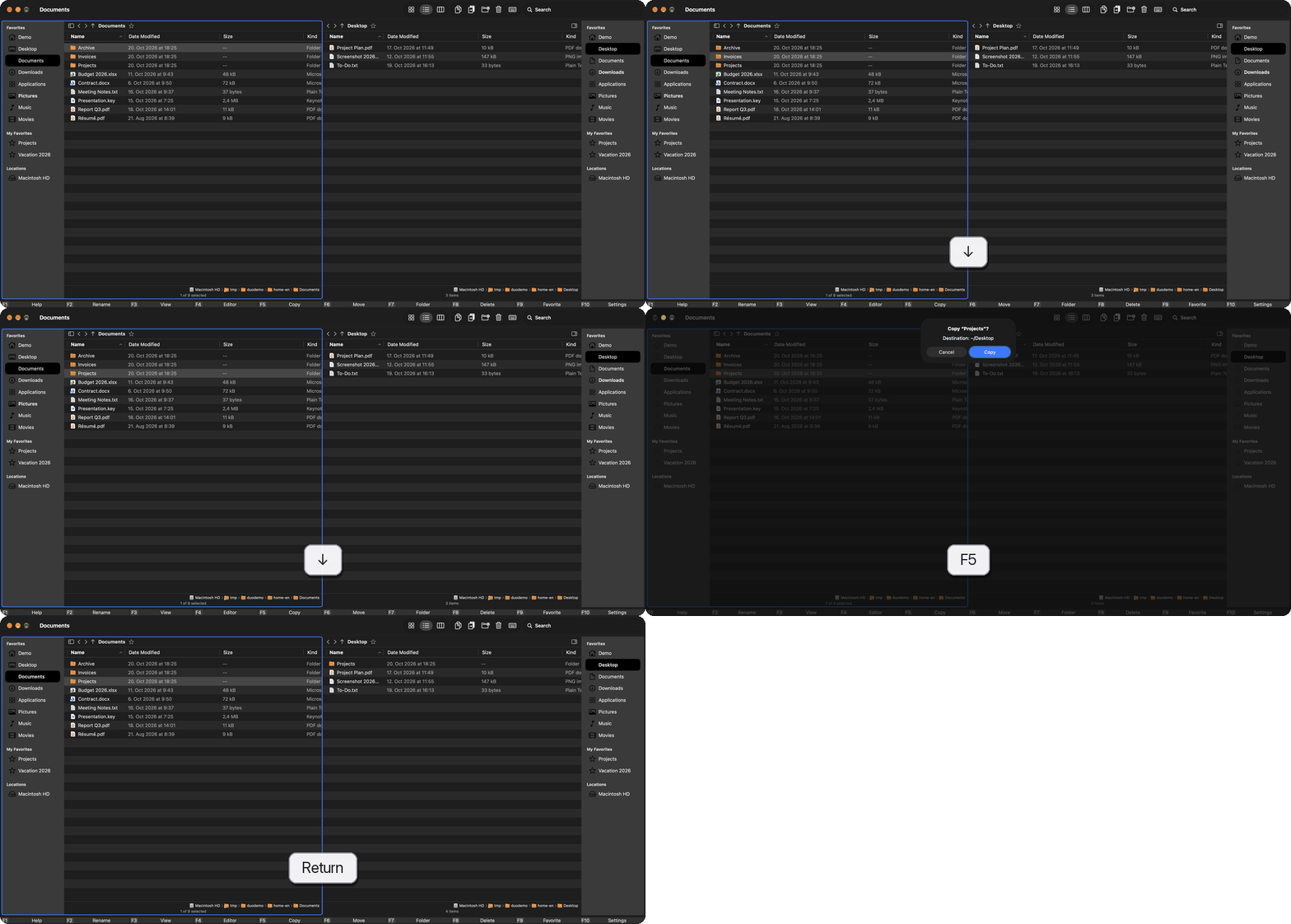
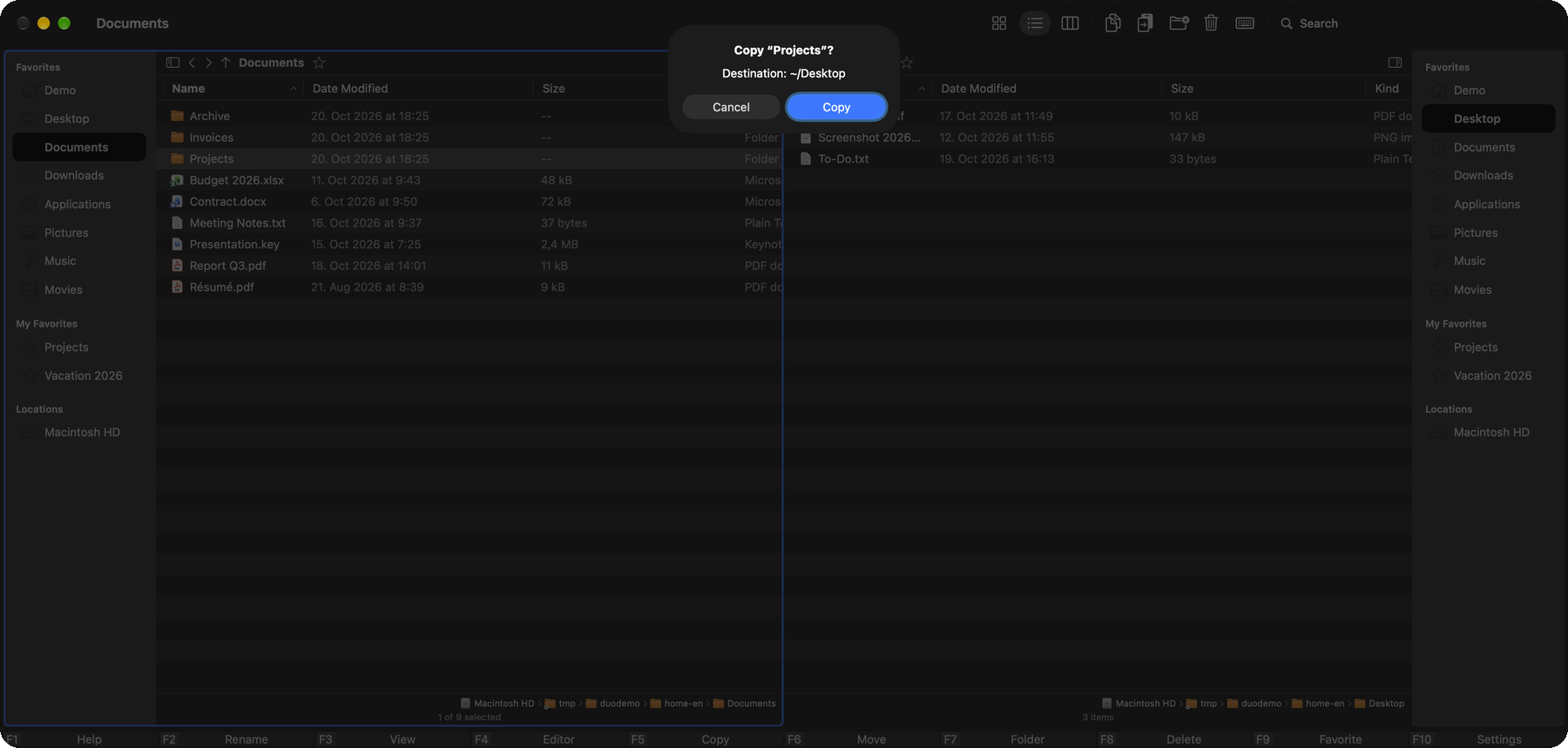
Two folders side by side. Copy and move between the panes with one key press or drag and drop.
Sidebar and favorites
Each pane has its own sidebar with favorites, iCloud and volumes. You can rename and reorder your own favorites.
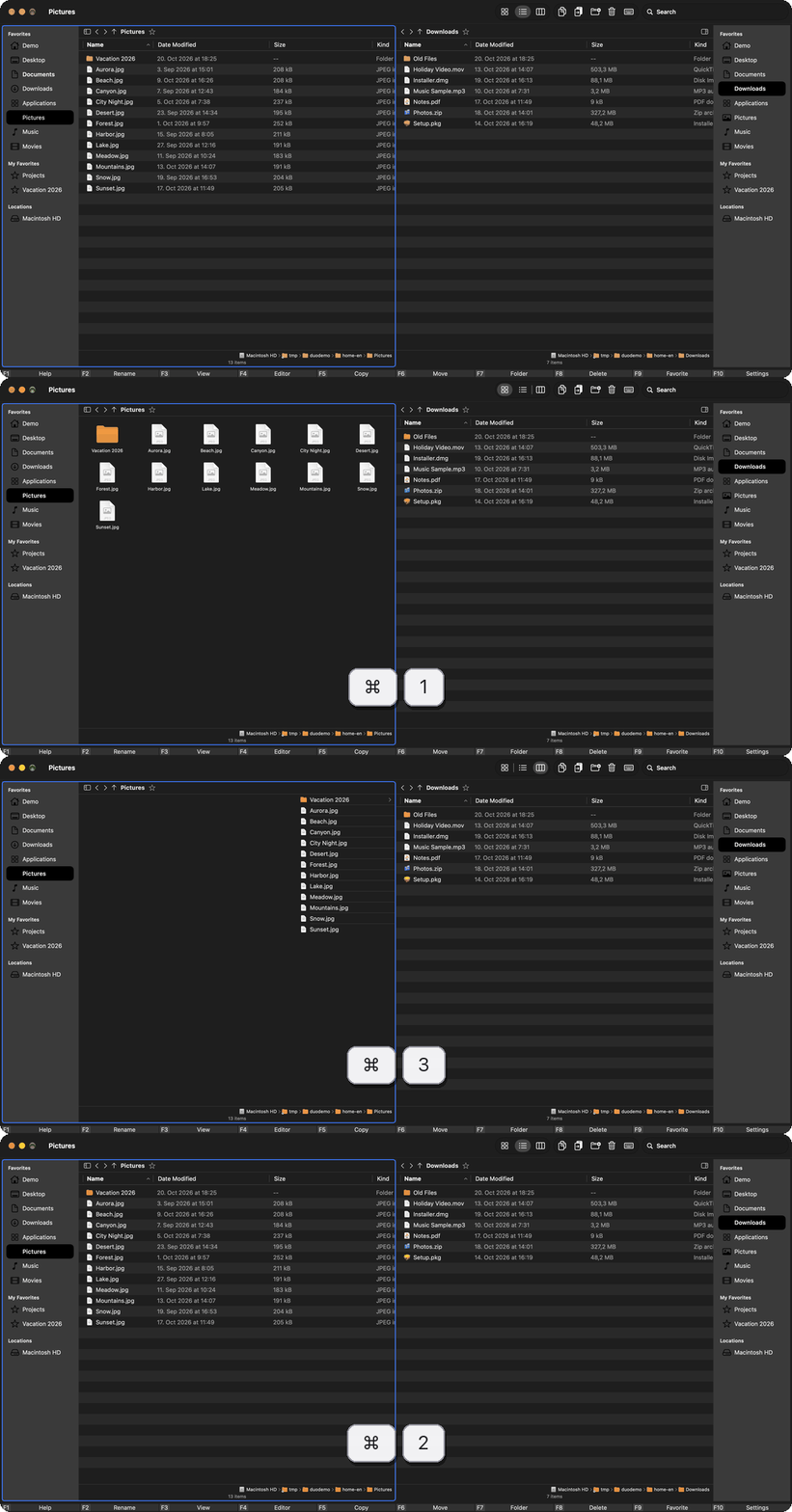
Three views
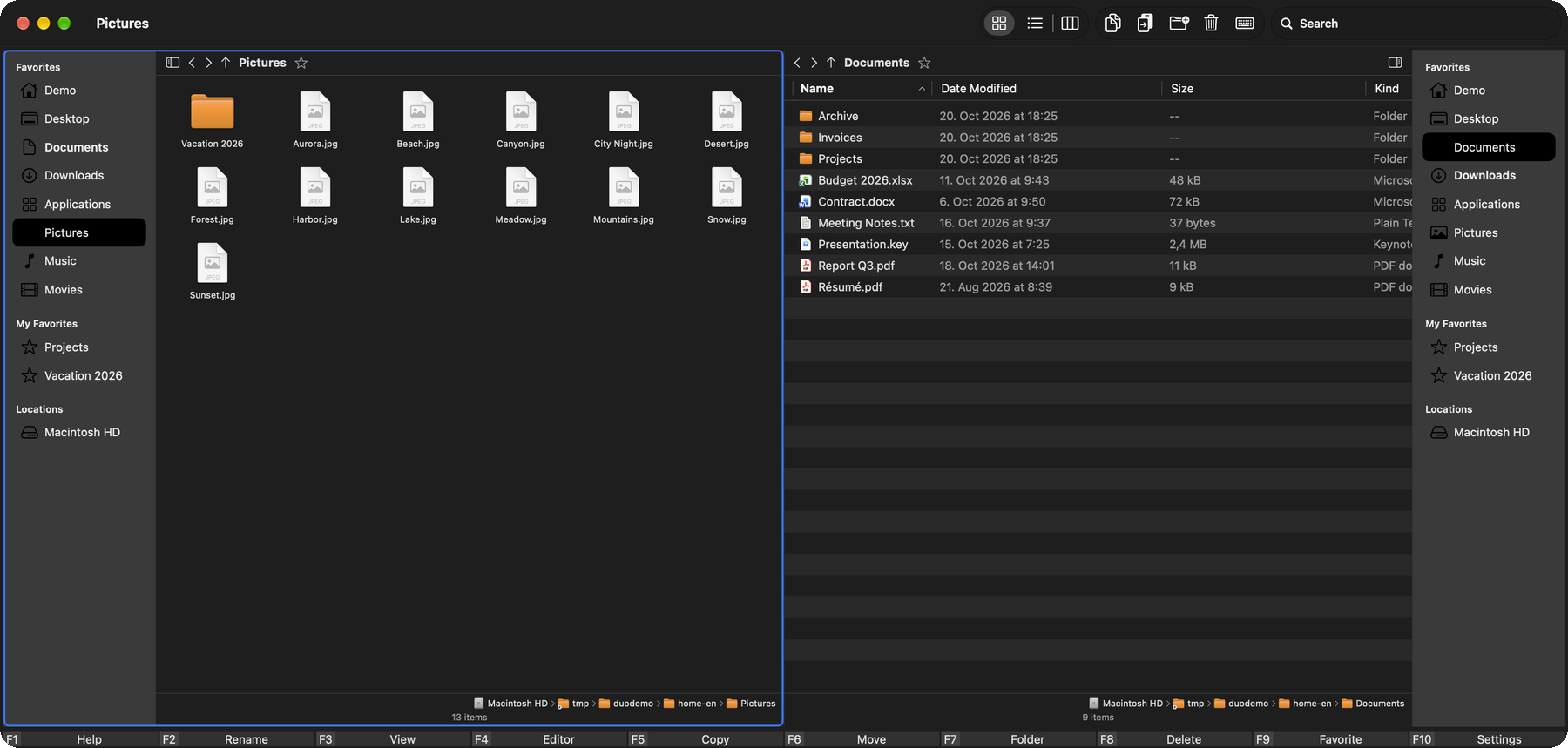
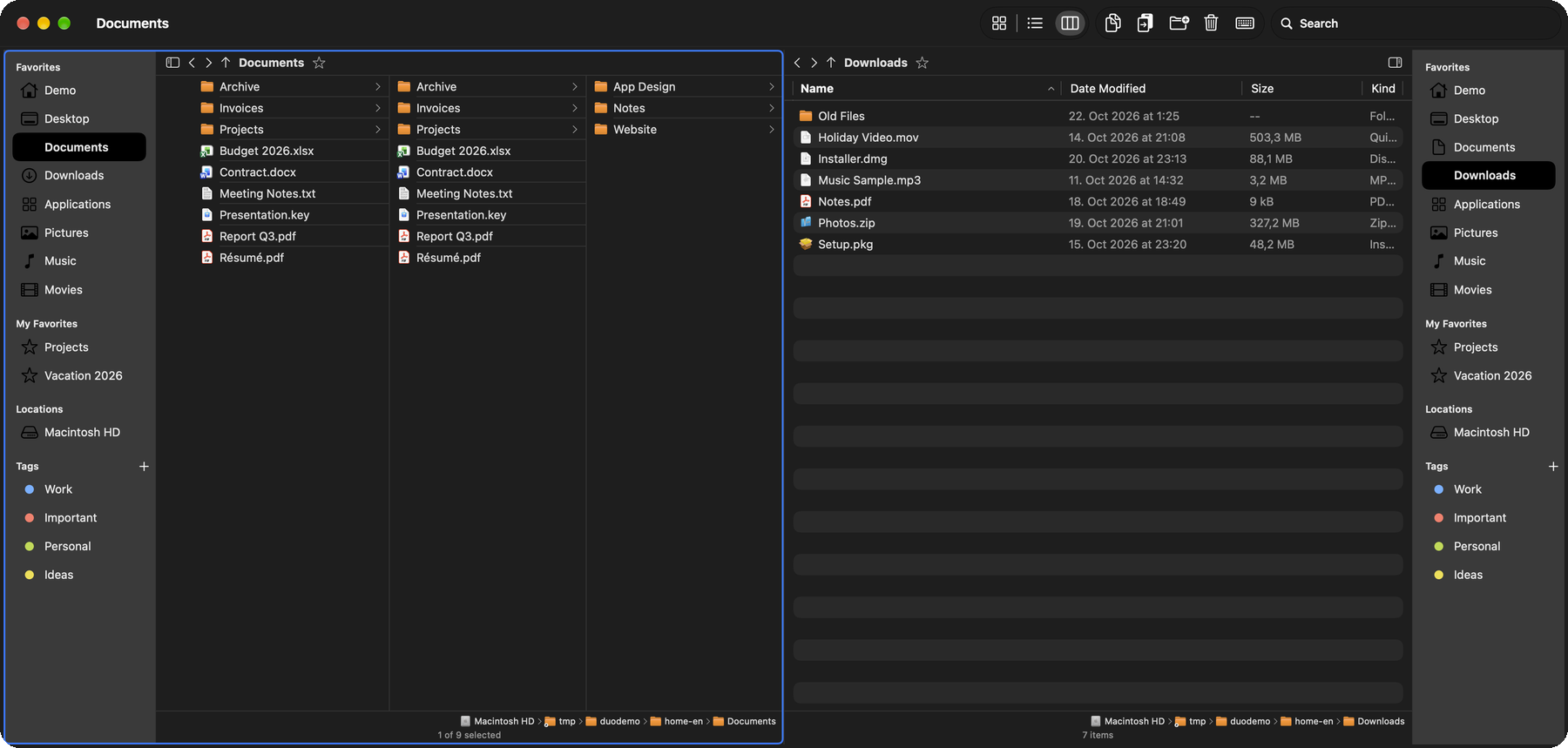
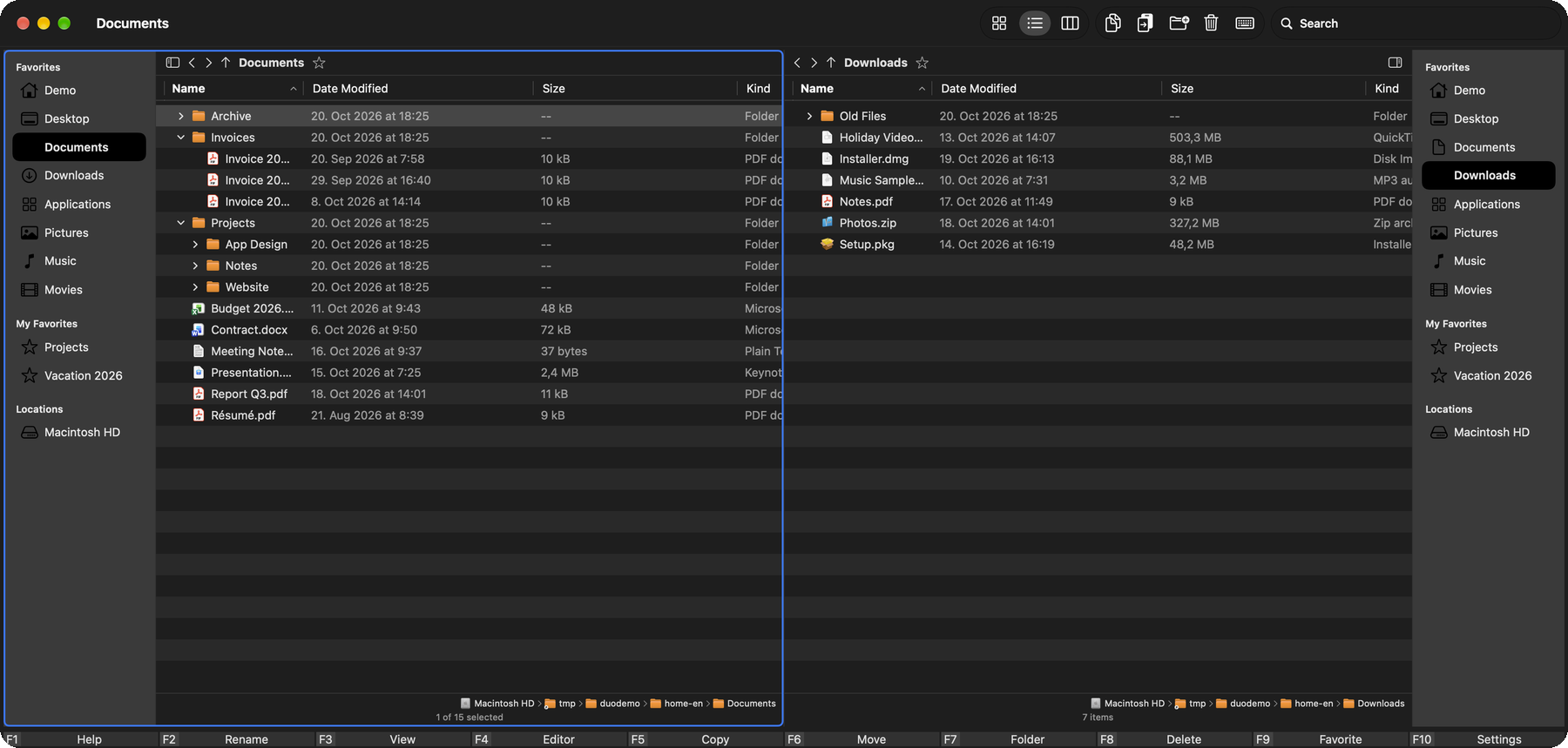
List, icons and columns – just like the Finder. Plus a tree view where folders expand right in the list.
Customizable columns
Add more details such as creation date, permissions or owner. Double-click a column edge to fit its width to the content.
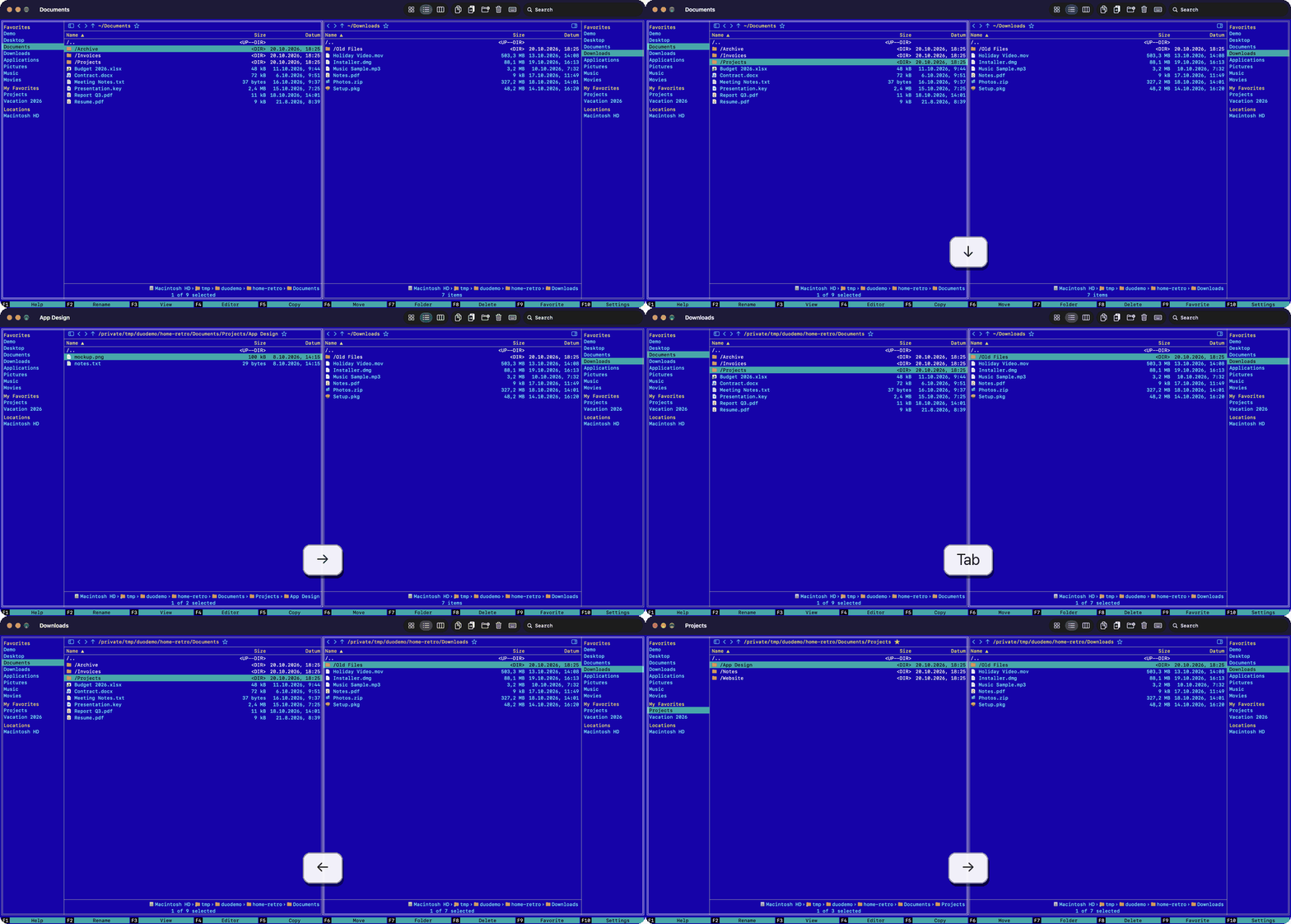
Retro themes
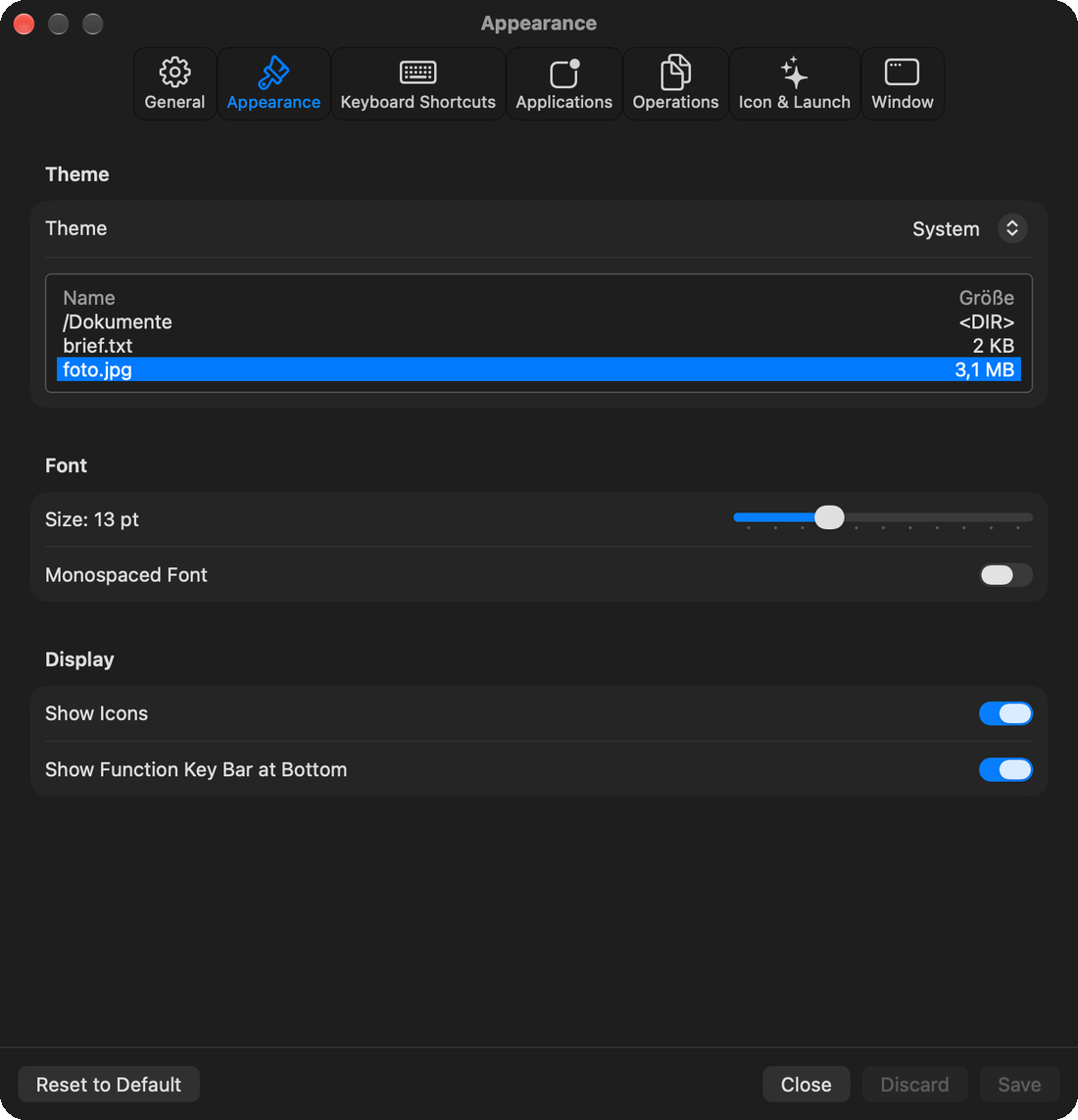
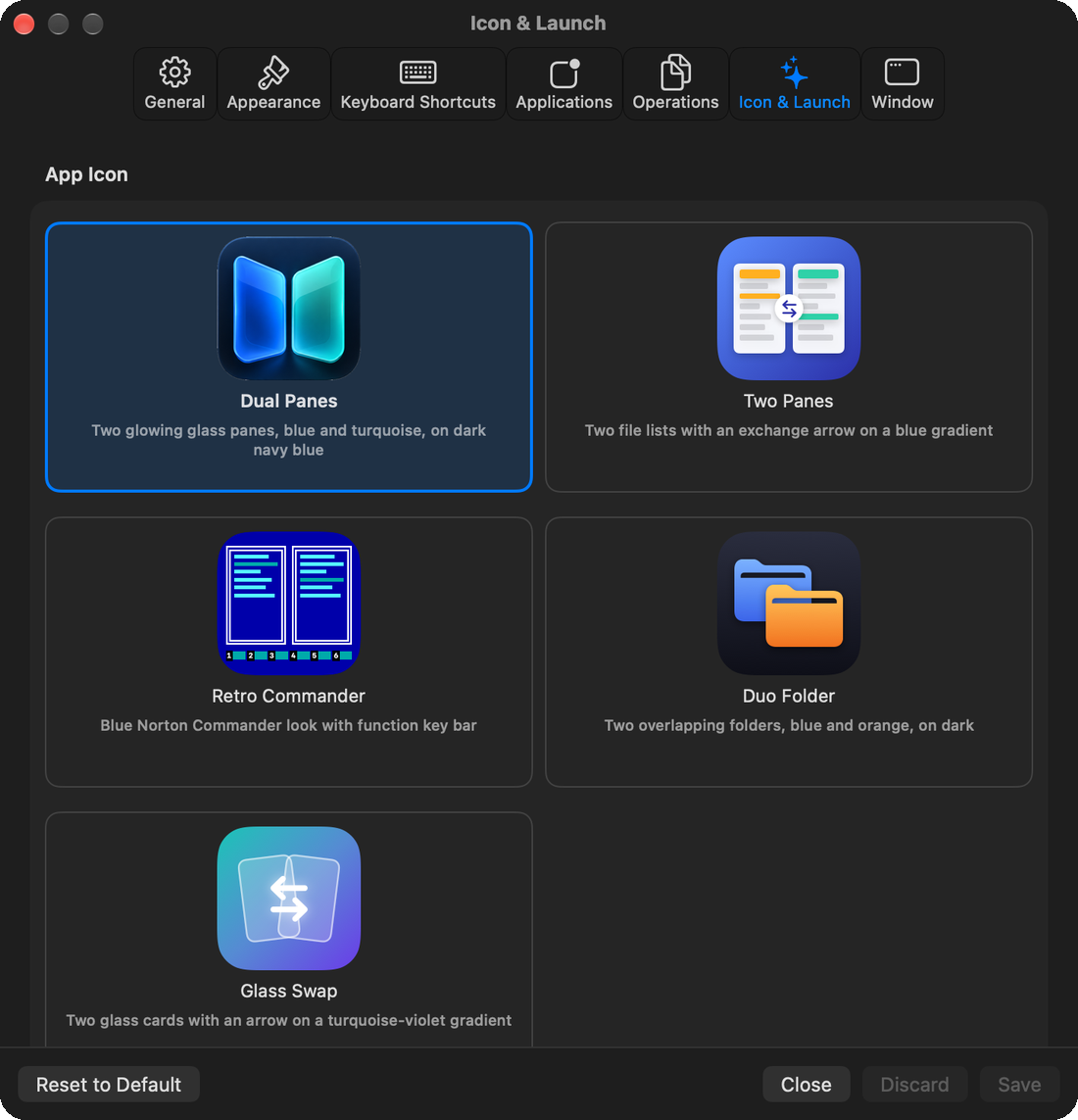
A Norton Commander look with a function-key bar, green and amber terminal looks – or simply light and dark.
Quick Look
Press Space to open the Finder preview. The arrow keys flip through all images in the folder.
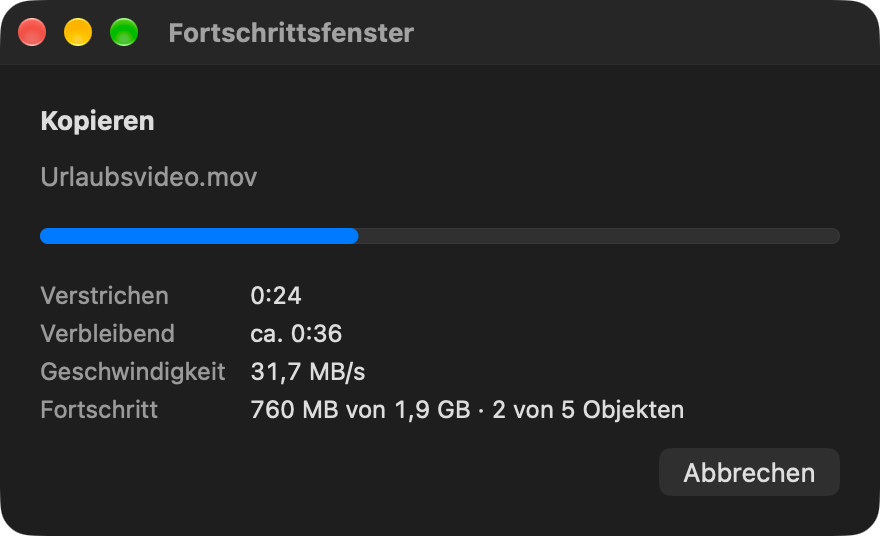
Copying with progress
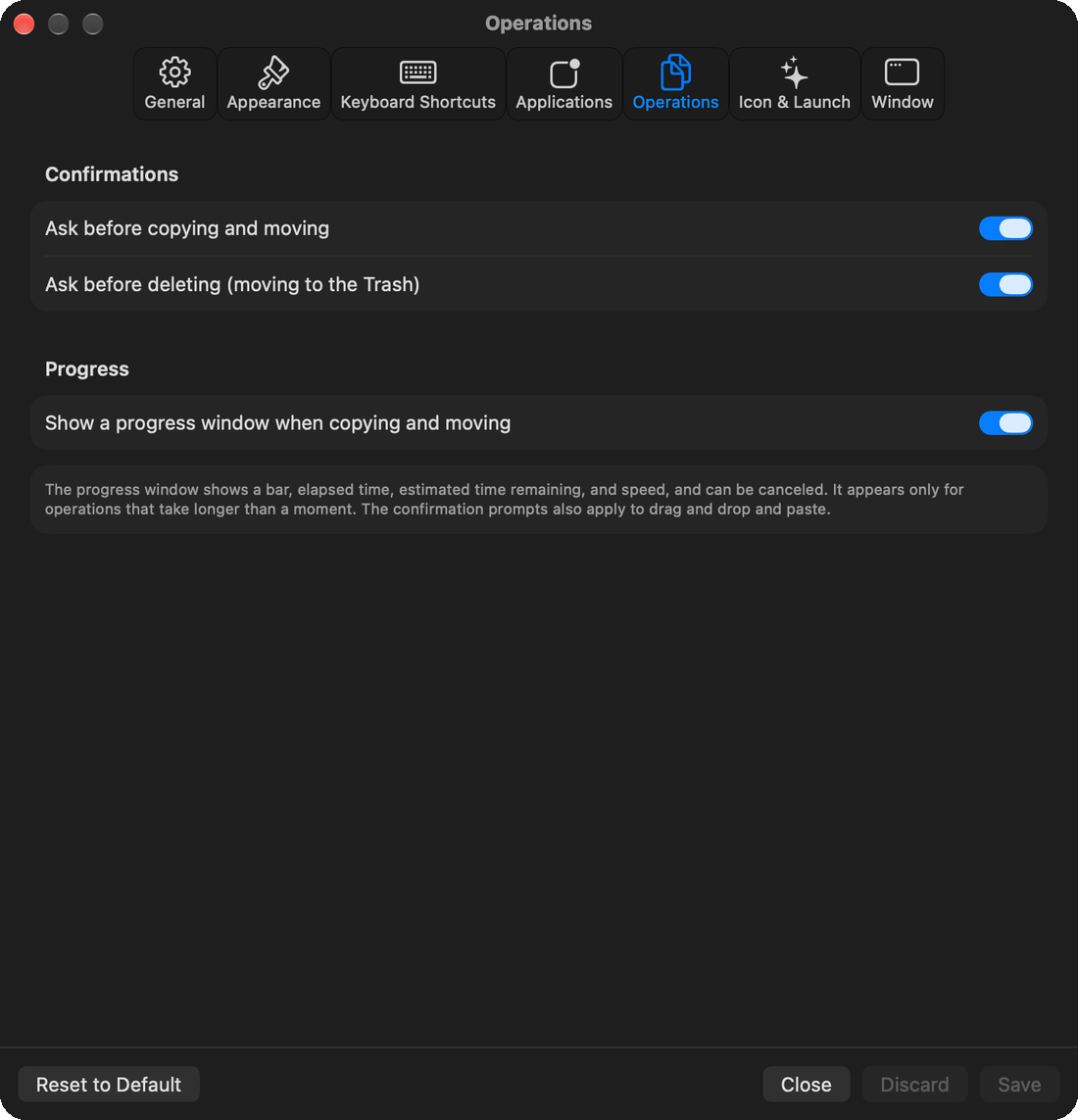
A window shows a progress bar, elapsed time, time remaining and speed. You can cancel at any time. Confirmations before copying and deleting can be switched on or off.
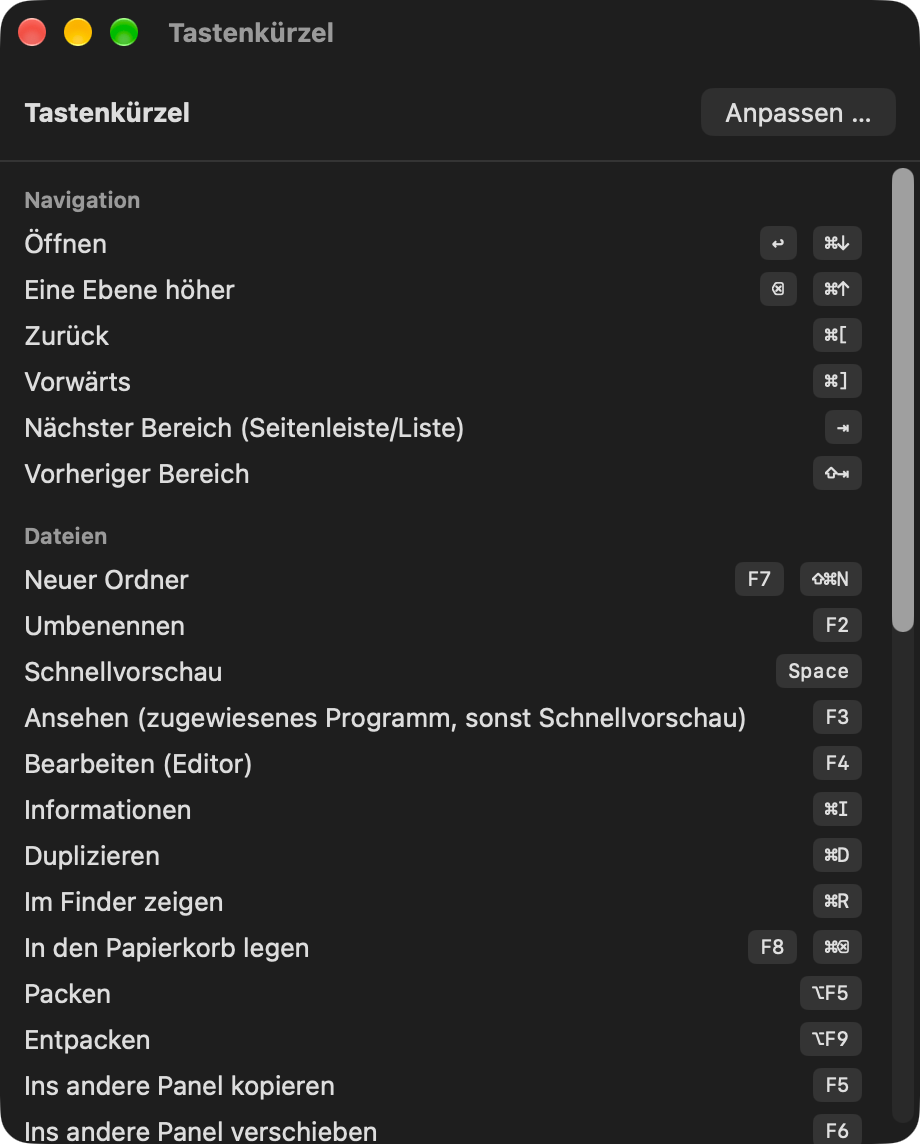
Keyboard first
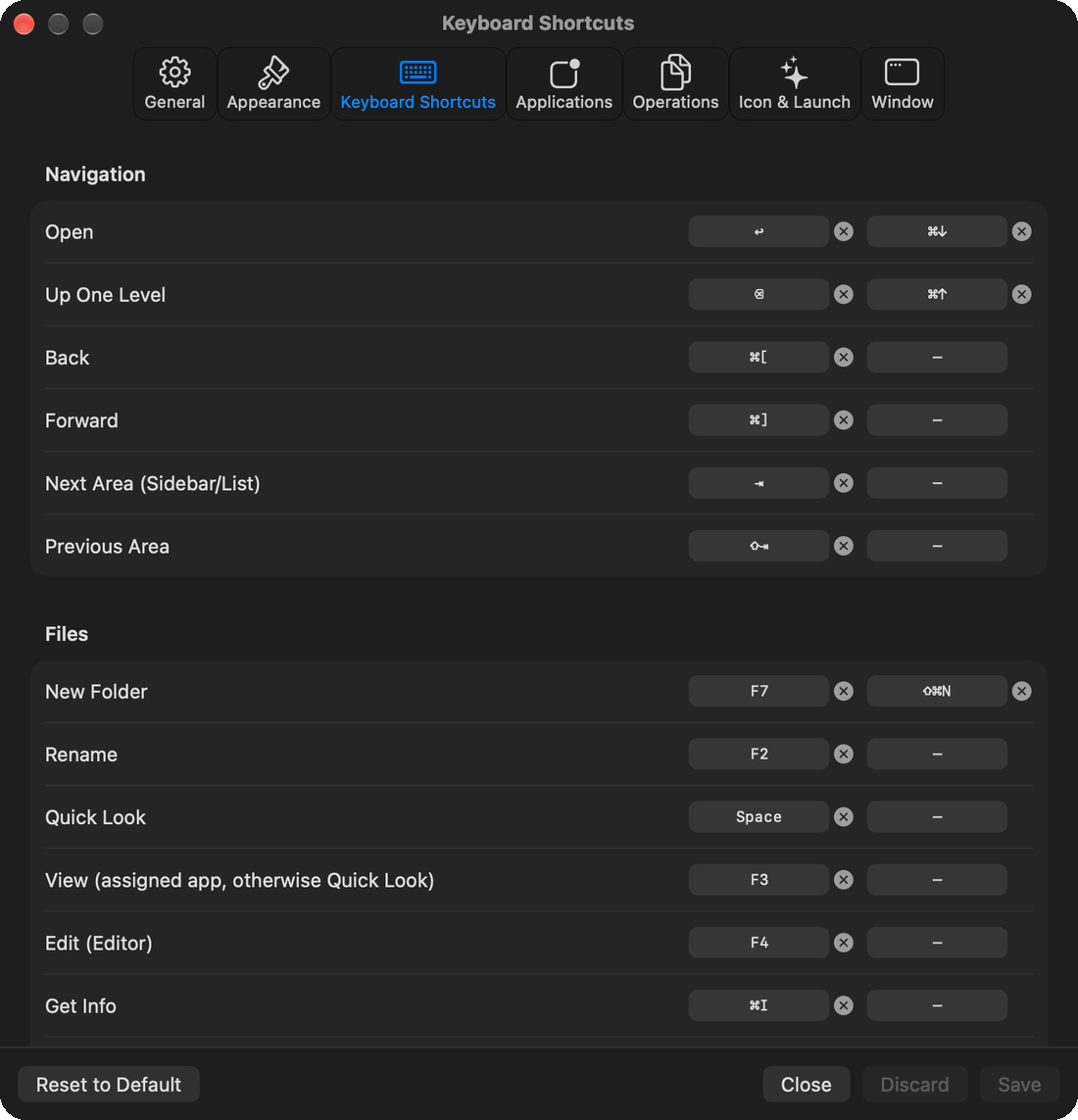
Function keys like in a commander, Tab jumps between sidebar and list. All shortcuts can be reassigned.
Your own programs
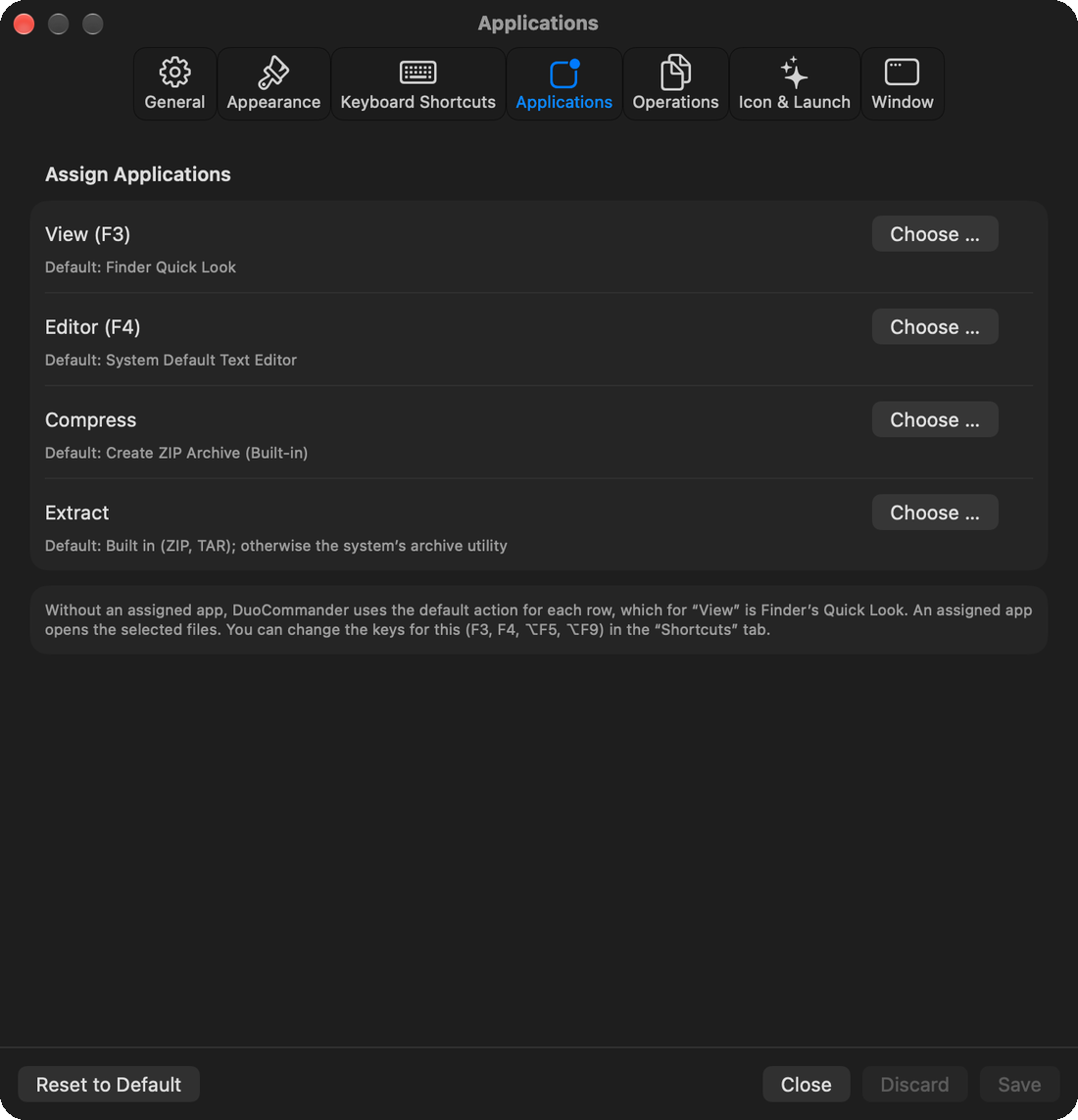
Assign programs of your choice to View, Edit, Compress and Extract. Without an assignment DuoCommander uses its built-in functions.
Four languages
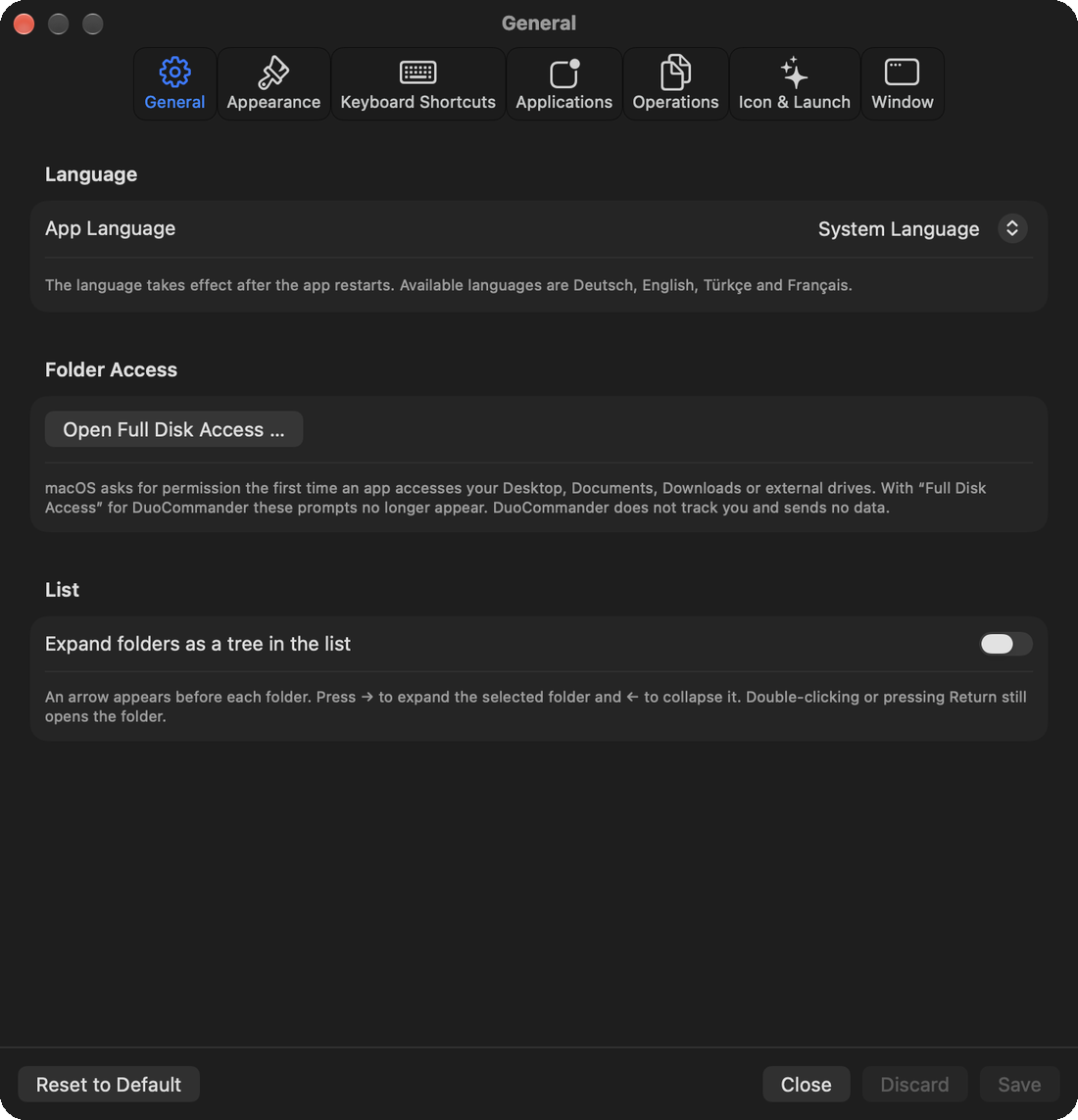
Deutsch, English, Türkçe and Français – switchable in the settings.
Always up to date
If another program changes a folder, DuoCommander shows it immediately.
Privacy
No account, no ads, no tracking. The app makes no connection to the internet and sends no data.
What it looks like
How to use DuoCommander
System requirements
A Mac running macOS 14 or later.
Free
DuoCommander is free in version 1.0.